
Third-generation WOLED
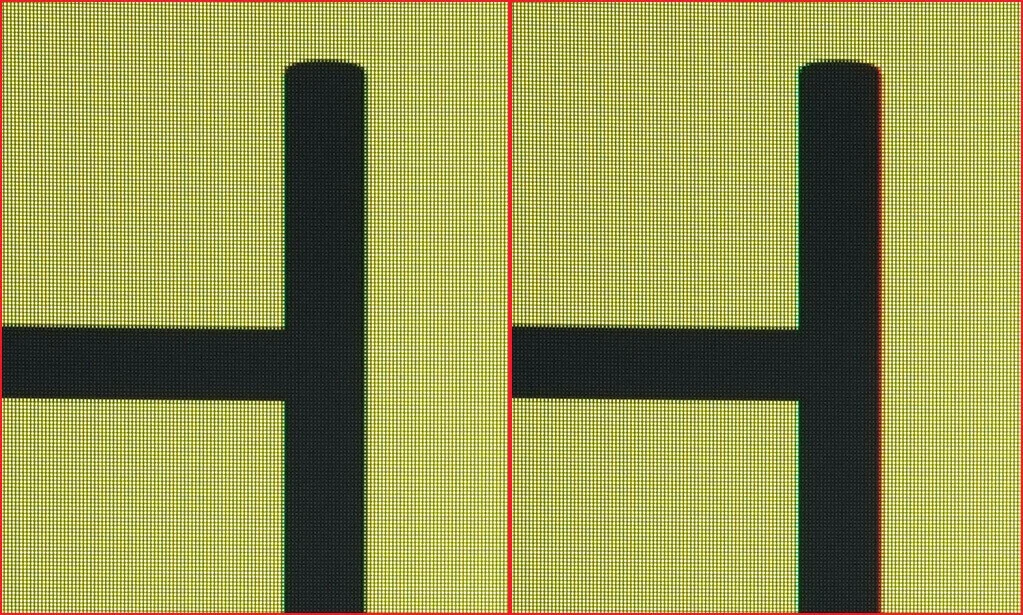
The Clear Pixel Edge algorithm reduces colour fringing on letters, the historic weak spot of OLED panels when you read or work on them.
Official ASUS ROG photography and infographics.
31.5-inch WOLED gaming monitor with a TrueBlack Glossy surface and dual mode: 4K at 240 Hz or Full HD at 480 Hz. 0.03 ms response, 99 % DCI-P3, DisplayHDR 400 True Black, automatic KVM and ASUS OLED Care Pro.
MPN XG32UCWMG
SKU F9-MON-ASUS-XG32UCWMG
$5.949.529
COP · Price validated by the server before checkout
Connecting to the FASE NUEVE catalogue.
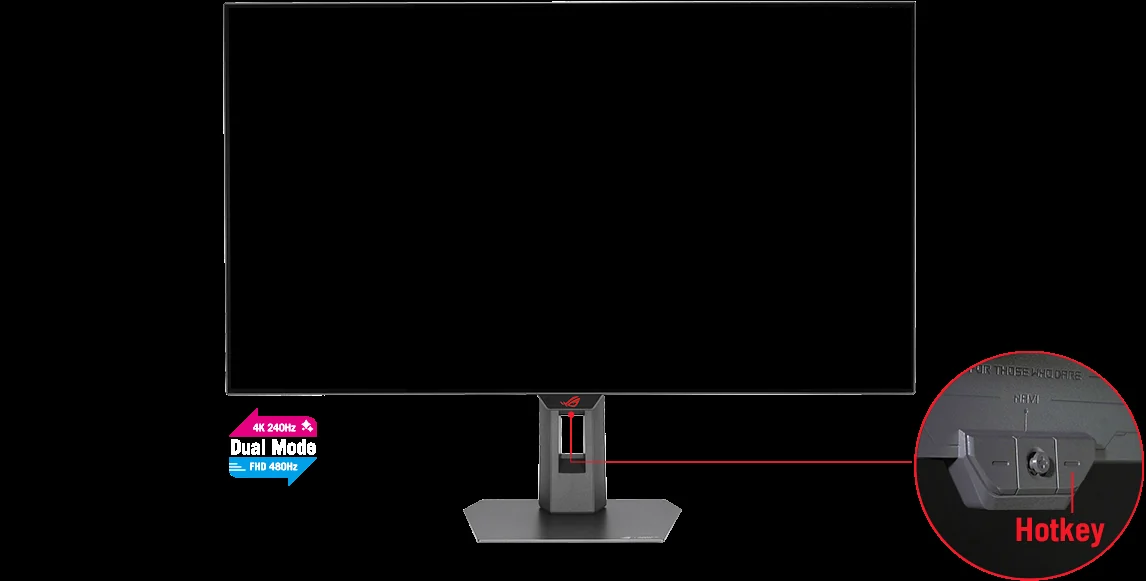
Ask FASE NUEVE ↗One key switches between 4K at 240 Hz and Full HD at 480 Hz. The same 31.5-inch WOLED shows an open world in full detail and competes where only smoothness counts.
ASUS calls it dual mode: the panel rearranges its resolution and refresh rate for whatever you are about to play, with a hotkey.

4K · 240 Hz
3840 x 2160 with all the detail of the open world, the HDR and the textures.
Full HD · 480 Hz
1920 x 1080 at twice the refresh: motion looks more continuous and information reaches your eyes sooner.
One key · 4K 240 Hz ↔ FHD 480 Hz
An OLED turns the pixel off to make black: no light escapes. ASUS adds a zero-haze optical layer (TrueBlack Glossy) that, by its own measurements, reflects 38 % less than the previous generation of bright WOLED panels.

The Clear Pixel Edge algorithm reduces colour fringing on letters, the historic weak spot of OLED panels when you read or work on them.
HDR10 and VESA DisplayHDR 400 True Black certification: high brightness next to blacks that never turn grey.
The 38 % figure is ASUS own and compares against previous-generation bright WOLED panels; what you see also depends on how your room is lit.
Response time is how long a pixel takes to change colour. At 0.03 ms the trail behind moving objects nearly disappears; ELMB cleans up what is left.
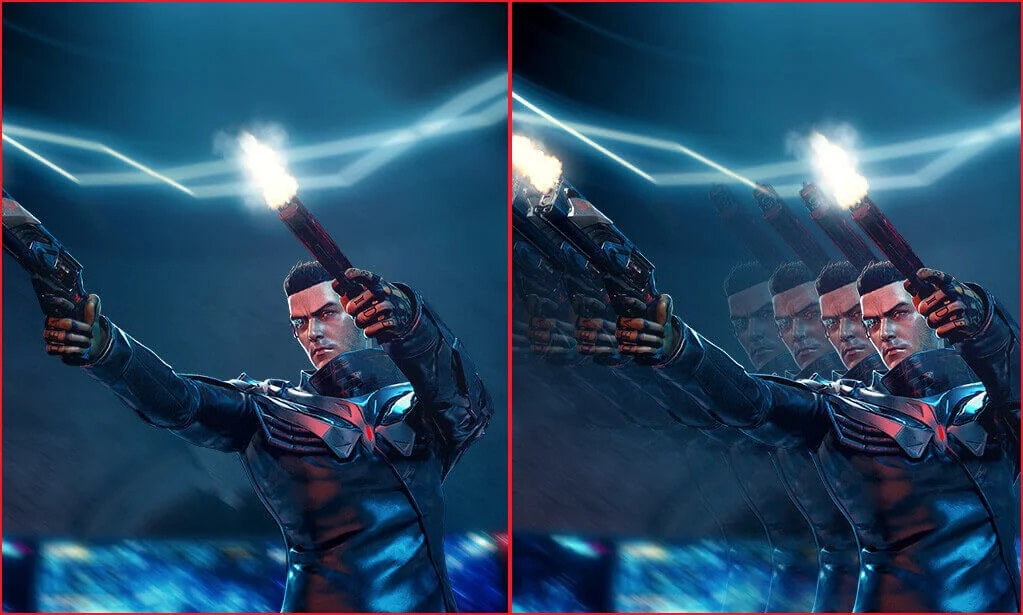
The ASUS technique that keeps a moving object defined instead of smeared. You turn it on from the monitor menu.
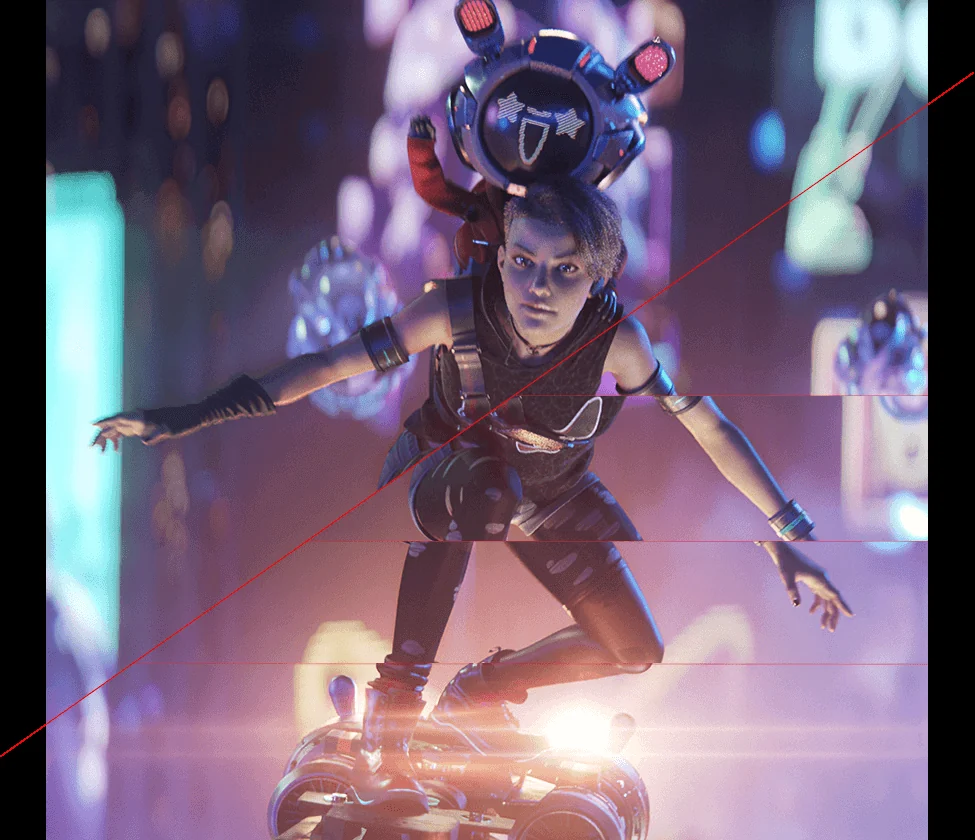
The monitor syncs its refresh with the frames the graphics card delivers: no more horizontal tearing.
DCI-P3 is the colour space of cinema. Covering 99 % with ΔE < 2 means the colour you see is very close to the one that left the studio, not a saturated version of it.
Video editing, photography and colour work with a credible reference, and picture modes you can switch without leaving the game.
The monitor detects what is on screen and applies the matching preset. It is an ASUS feature and it can be turned off.
ASUS flicker-free technology and blue light filter, for the long sessions.
The risk with an OLED is burn-in: a static image left too long leaves a mark. ASUS gathers nine features in OLED Care Pro to avoid it, and the three-year warranty covers it.
It detects when you leave the desk and turns the screen black. You can set the distance at which it reacts.
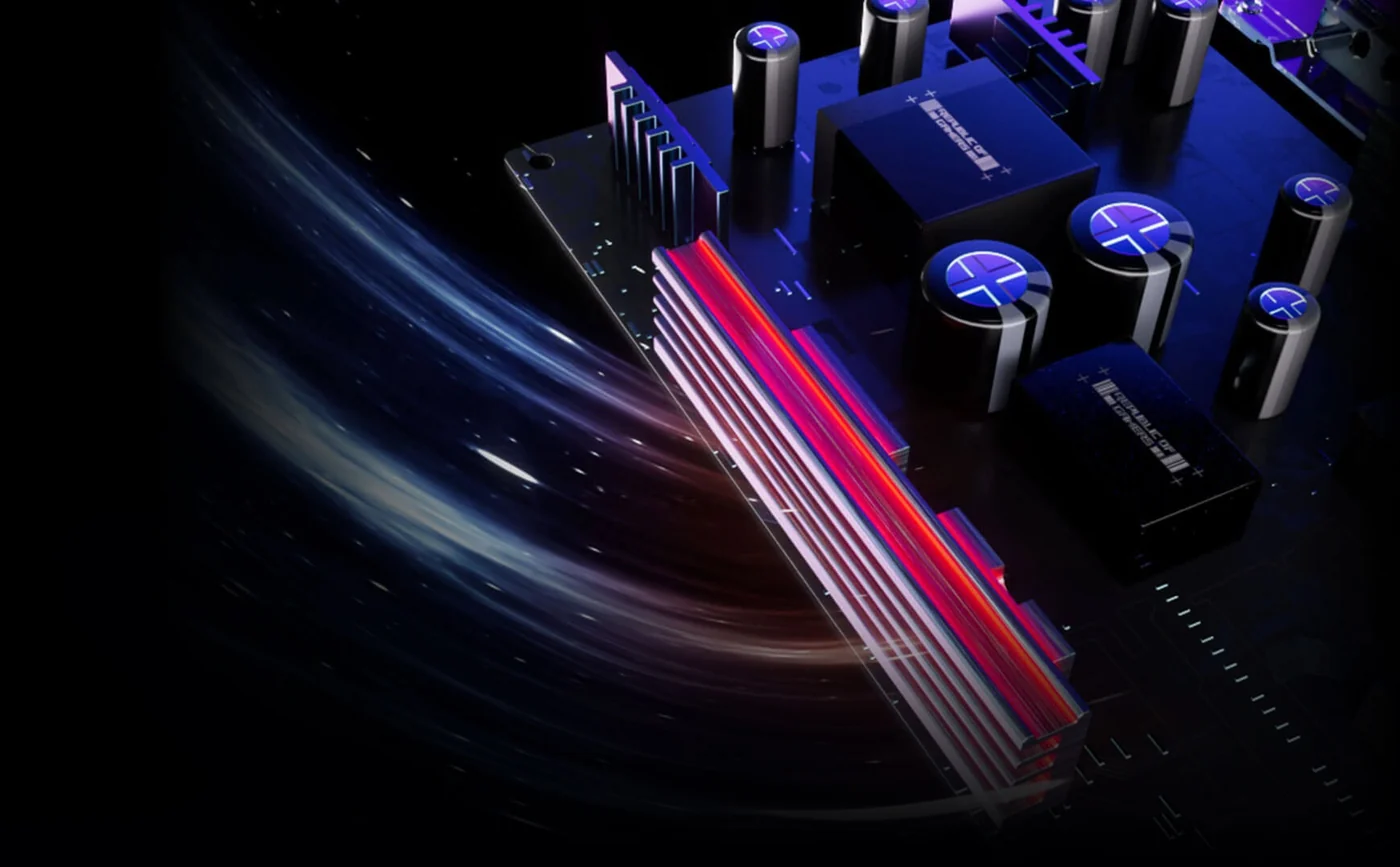
ASUS adds a heatsink and an internal airflow design meant to lower panel temperature, which is what accelerates wear.
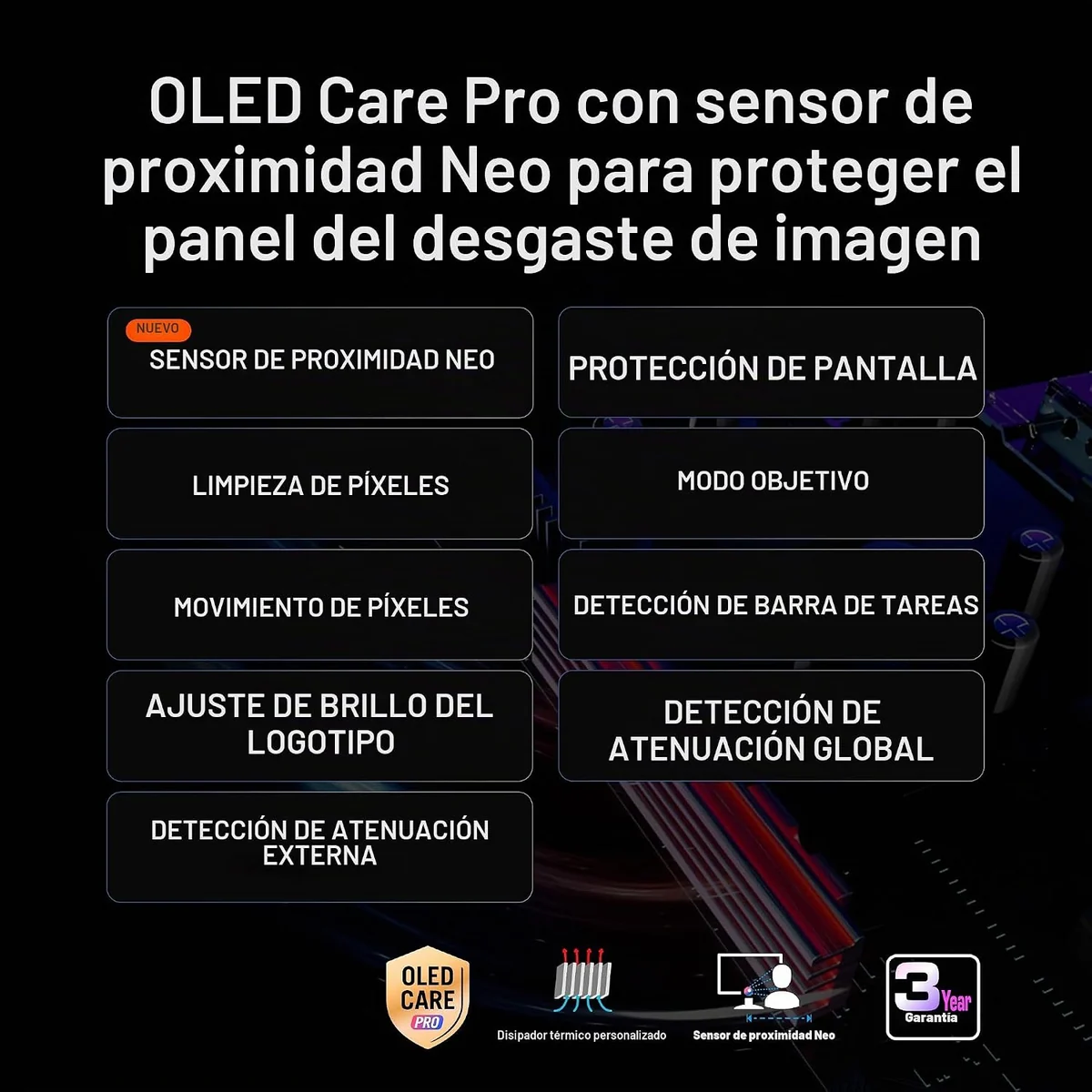
The manufacturer warranty runs for three years and includes panel burn-in. That is the backing you need to buy an OLED without fear.
GamePlus and the AI features of this monitor are built for competitive play. None of them change what happens on the server: they change what you manage to see.
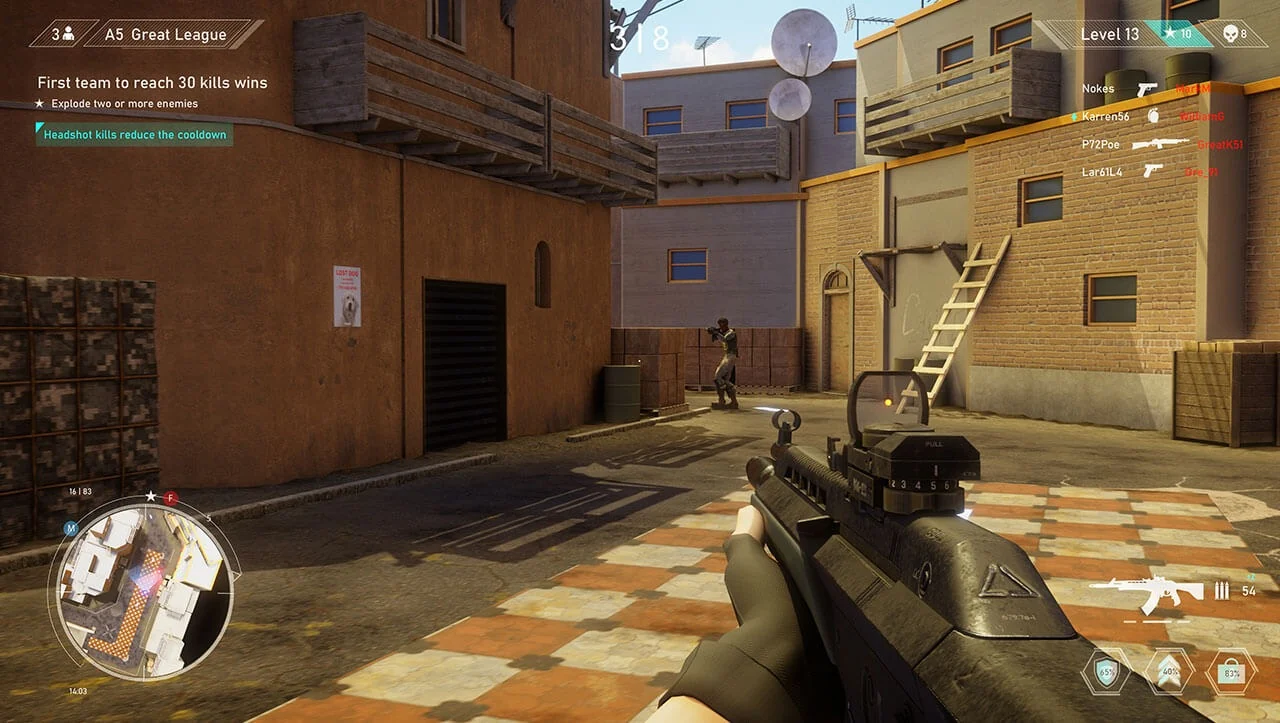
Stopwatch, timer, FPS counter, crosshair, display alignment and sniper zoom, all from one key on the monitor.
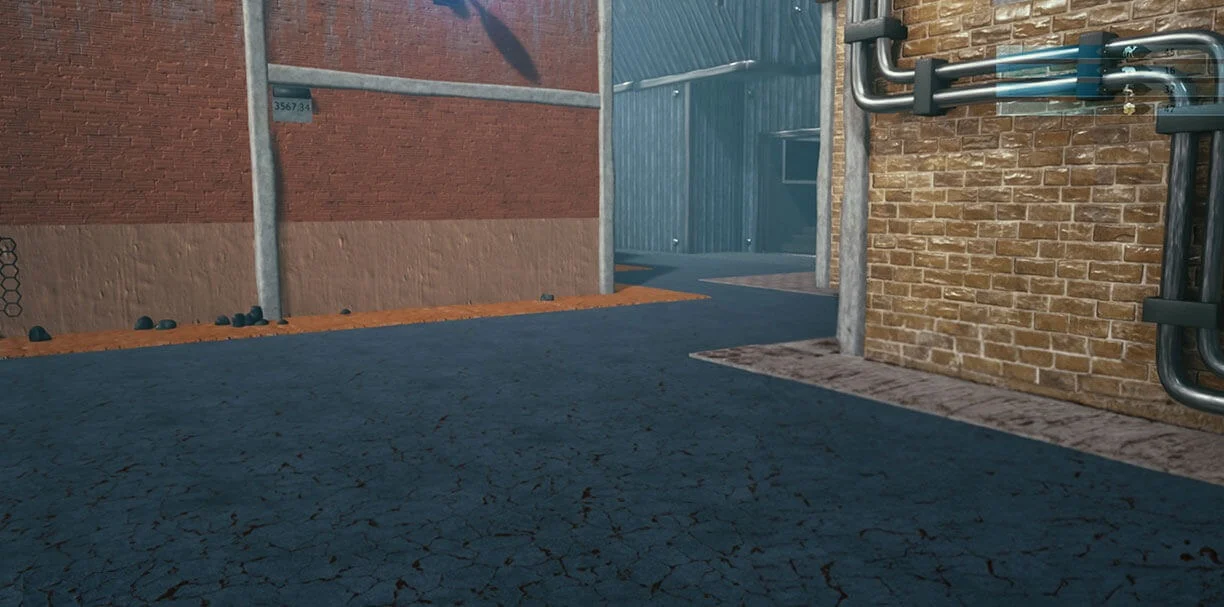
The crosshair changes colour with the background so it never disappears against a bright wall or a shadow.

It lifts only the dark areas so you can tell what moves down a corridor without washing out the rest of the image.
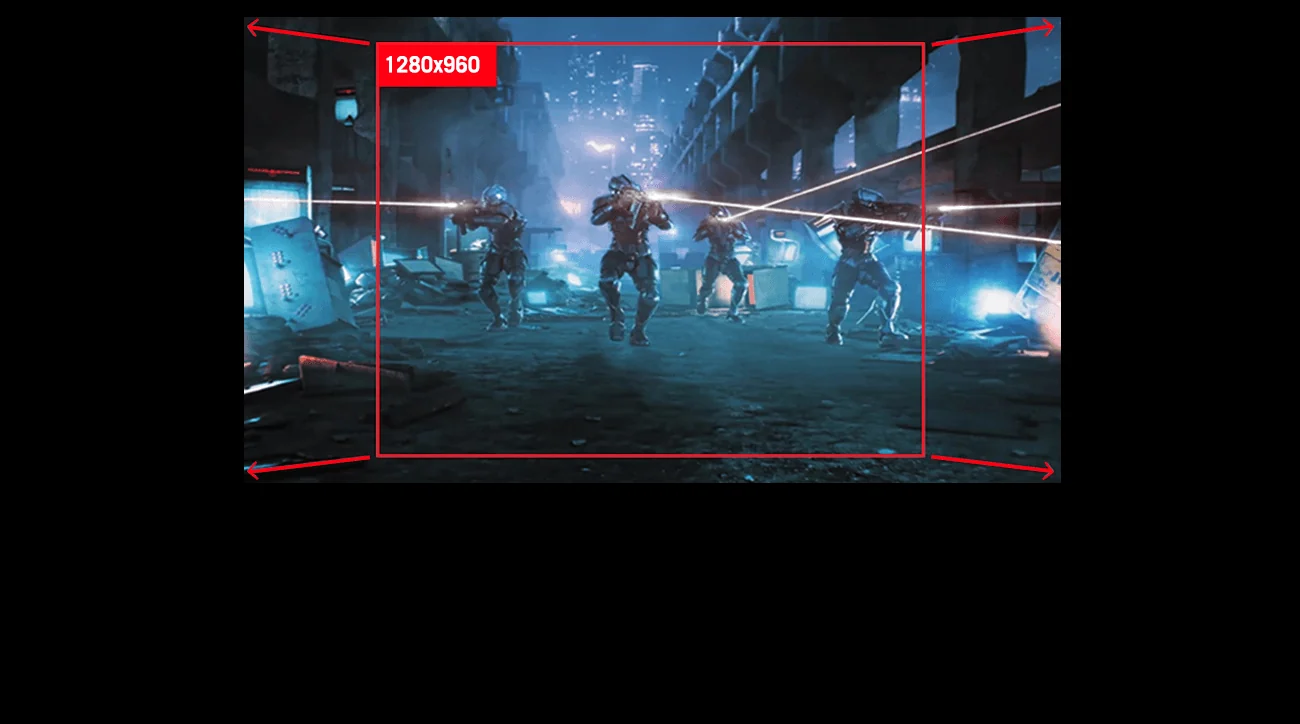
You can play in an area equivalent to 24.5" or 27", or in square format, if you come from a smaller monitor and do not want to change your habits.
When the monitor stops being only for gaming: the USB hub, the automatic KVM and USB-C turn the desk into a single workstation.
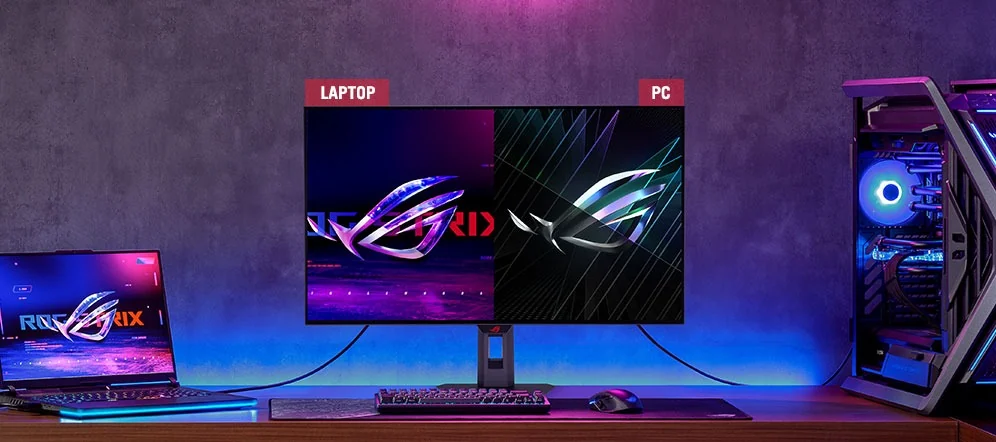
Connect the PC and the laptop to the same monitor and drive both with the same keyboard and mouse. The monitor hands over control when you switch input.
One cable for the laptop image and 15 W of Power Delivery to keep it charged.
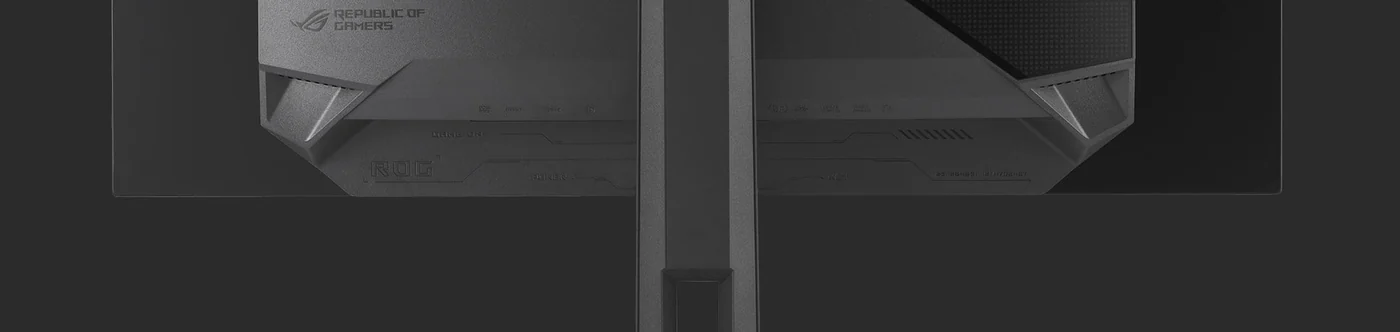
Two HDMI 2.1, one DisplayPort 1.4 with DSC, the USB-C, three USB 3.2 Gen 1 Type-A and audio out.
Data from the official ASUS ROG sheet and specification page.
| Model | ASUS ROG Strix OLED XG32UCWMG |
|---|---|
| Panel | Third-generation WOLED · TrueBlack Glossy surface |
| Viewable area | 31.5 inches (sold as a 32" monitor) |
| Resolution | 3840 x 2160 (4K UHD) · 16:9 |
| Dual mode | 4K at 240 Hz or Full HD at 480 Hz, with a hotkey |
| Response time | 0.03 ms (GTG) |
| Contrast | 1,500,000:1 |
| Colour | 99 % DCI-P3 · ΔE < 2 |
| HDR brightness | 1,300 cd/m² peak |
| HDR | HDR10 · VESA DisplayHDR 400 True Black |
| Adaptive sync | NVIDIA G-SYNC Compatible and AMD FreeSync Premium Pro |
| Viewing angle | 178° / 178° |
| Panel care | ASUS OLED Care Pro: Neo proximity sensor, pixel cleaning, screen move, screensaver, logo brightness, taskbar detection, outer dimming, global dimming and target mode |
| Motion | Extreme Low Motion Blur (ELMB) · Clear Pixel Edge algorithm for text |
| Gaming features | GamePlus, AI dynamic crosshair, AI shadow boost and AI Visual |
| Connectivity | 2 x HDMI 2.1 (FRL) · 1 x DisplayPort 1.4 DSC · 1 x USB-C with DP Alt Mode · 3 x USB 3.2 Gen 1 Type-A · audio out |
| USB-C charging | 15 W Power Delivery |
| KVM | Auto KVM: one keyboard and mouse for two machines |
| Software | DisplayWidget Center |
| Aspect ratio | 24.5", 27", equivalent square and full square modes |
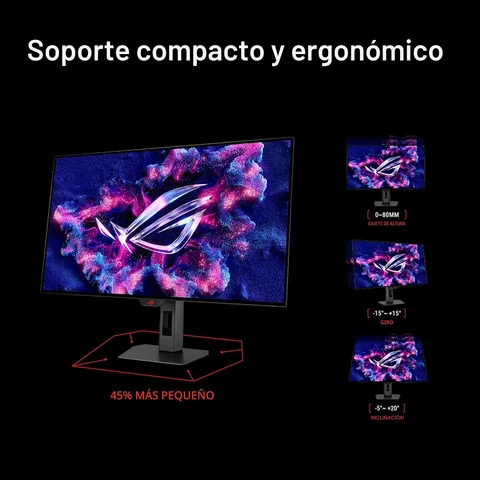
| Ergonomics | Tilt +20° to -5° · swivel +25° to -25° · height 0 to 110 mm |
| VESA mount | 100 x 100 mm |
| Dimensions | With stand 71.4 x 56.1 x 18.8 cm · without stand 71.4 x 49.3 x 7.1 cm |
| Weight | 6.6 kg with stand · 4.5 kg without stand |
| Power | 44 W |
| Speakers | None · audio output for headphones |
| In the box | Monitor, stand, power adapter, DisplayPort cable, USB cable, VESA kit, cloth, ROG pouch, sticker and documentation |
| Warranty | 3 years from the manufacturer, panel burn-in included |
| Data source | Official ASUS ROG sheet and specifications, consulted on 1 October 2026 |
Official sheets and support for this product.
ASUS publishes the manual and the firmware in its support centre: the product ZIP had no PDF, so we link the official source instead of copying it.
If you still have a doubt, write to us before buying.
ASUS sells it as a 32-inch monitor and its sheet states a 31.5-inch viewable area. Both numbers are right: 32" is the commercial size and 31.5" is the screen you actually see.
A hotkey switches the monitor between 4K at 240 Hz and Full HD at 480 Hz. The first one is for seeing the game in full detail; the second one is for competitive play, where smoothness wins.
It is an OLED, so the risk exists. ASUS includes OLED Care Pro: Neo proximity sensor, pixel cleaning, screen move, logo and taskbar dimming, and target mode. The three-year warranty also covers panel burn-in.
Yes. It covers 99 % DCI-P3 with ΔE < 2, and it has USB-C with DisplayPort and 15 W charging, a USB hub and an automatic KVM to drive two machines with the same keyboard and mouse.
For 4K at 240 Hz you need DisplayPort 1.4 with DSC or HDMI 2.1 and a graphics card able to drive that resolution. With less power the monitor still works, you just will not see those figures.
No. The official sheet states no speakers: it has an audio output for your headphones or speakers.
FASE NUEVE catalogue products for the machine behind the monitor.
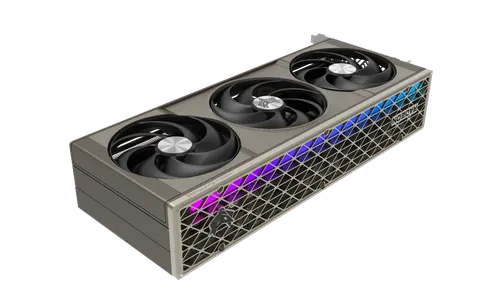 SAPPHIRE NITRO+ RX 9070 XT
 CORSAIR AIR 5400 LX-R RGB
 Build your PC