
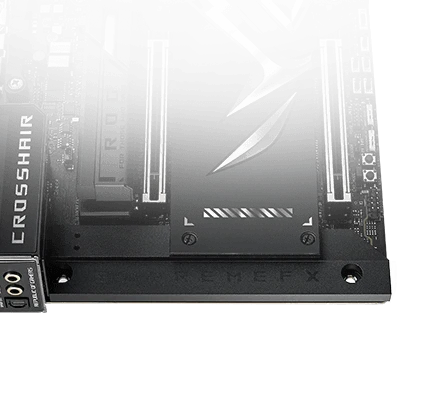
SupremeFX + Quad DAC
ALC4082 and ESS ES9219 in the audio path. Use the front output with suitable headphones and a properly configured system.
Product photography. Expand to explore the details.
Build your AM5 PC around expansive connectivity: 20+2+2 power delivery, DDR5, five M.2 slots, dual USB4, 10 Gb + 5 Gb Ethernet and a 5-inch LCD. E-ATX form factor; check case, CPU and BIOS support.
MPN ROG CROSSHAIR X870E EXTREME
SKU F9-MB-ROG-X870E-EXTREME
$4.999.000
COP · Server-validated price before purchase
Connecting to the FASE NUEVE catalog.
Contact FASE NUEVE ↗Your processor sets ideas in motion. Choose a platform that gives the rest of your build room to grow.
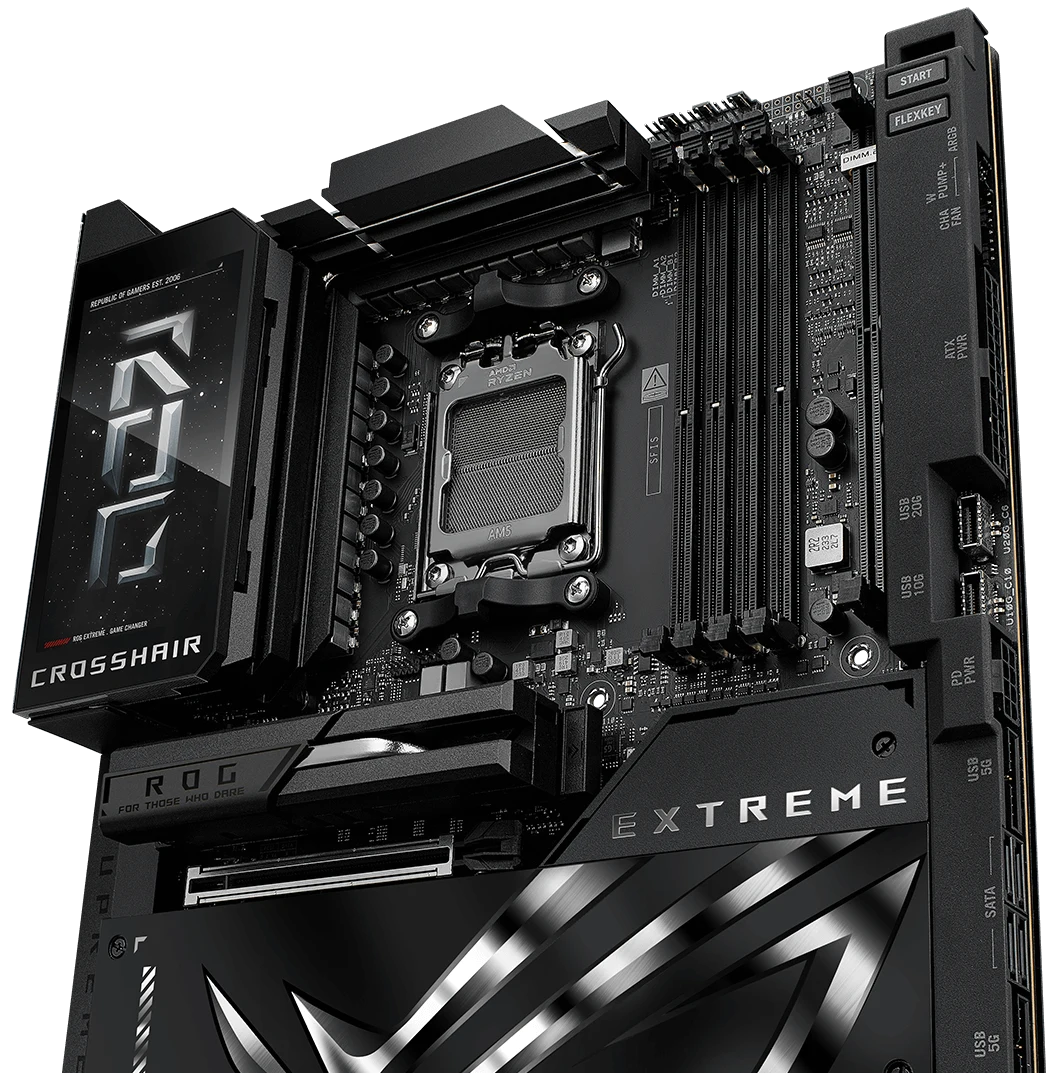
From a gaming session to a creative project, Crosshair combines substantial power delivery with controls for tuning your system. The final performance comes from the whole build, not a single number.
Reinforced power connectors deliver power to the board.
Suggested tuning based on your CPU and cooling. Overclocking does not guarantee any particular frequency.
Advanced controls for switching profiles around configured load, current and temperature thresholds.
Supports Ryzen 9000, 8000 and 7000 families. Always check the CPU model and required BIOS: sharing a socket does not replace the support list.
Four DDR5 slots and up to 256 GB let you build the balance of capacity and speed your work needs. EXPO provides access to compatible memory profiles.
Overclocking speeds depend on the CPU, module configuration and BIOS. Consult the QVL; different kits may not reach the same speeds.
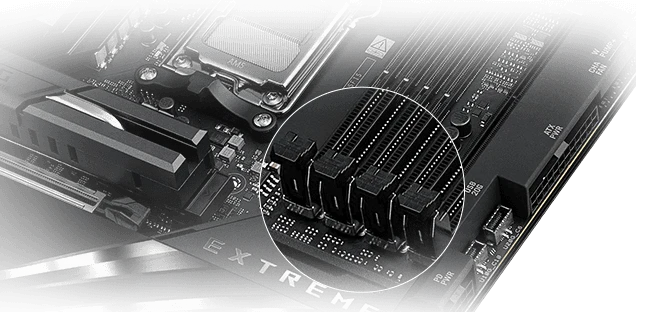
Five M.2 positions in total: three onboard and two through Q-DIMM.2. Which connectors you populate can change your graphics card’s lane allocation. Explore it before building.
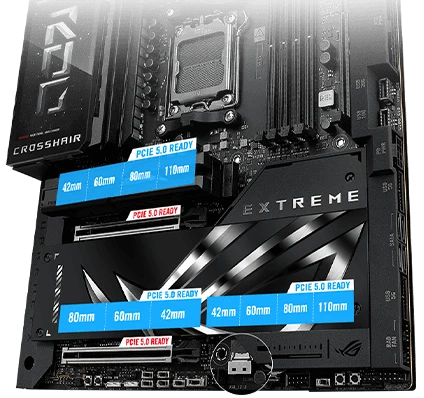
Maximum lane routing, not a speed benchmark. With M.2_2/3 unused, installing a second card permits x8/x8. With Ryzen 8000, M.2_2/3 and the second slot are unavailable.
External storage, local networking, peripherals and audio. A range of connections for a workspace or gaming desk with fewer compromises.
Two rear Type-C ports. Connect compatible devices; real throughput depends on the cable and connected device.
Dual Ethernet ports and Wi-Fi 7 wireless connectivity. A foundation for your network, not a promise about your internet service speed.
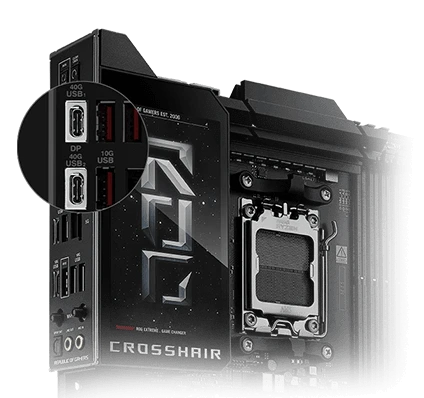
Actual product connections. Front USB-C up to 60 W with auxiliary 8-pin power; up to 27 W without it.
Switch profiles and see the display become part of your build. Information when you need it. Identity when you choose it.
Visual demonstration, not live data from your computer. F9 mode uses a FASE NUEVE video concept; it does not assert that this file can be imported directly into Armoury Crate.
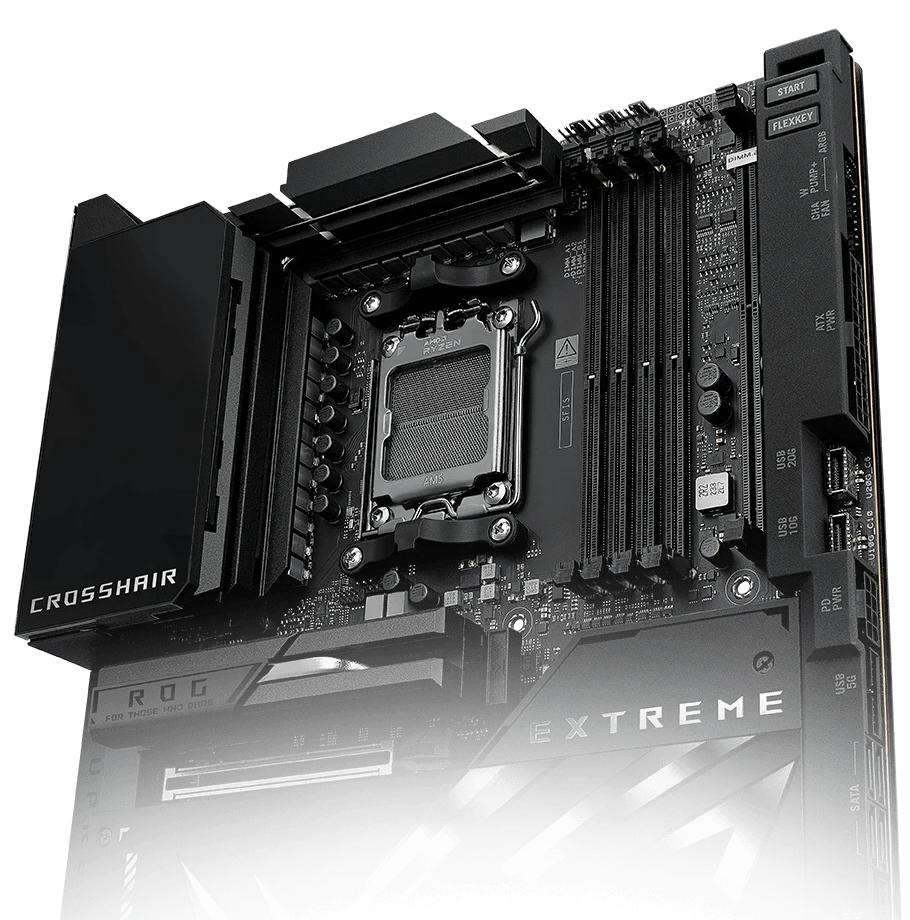
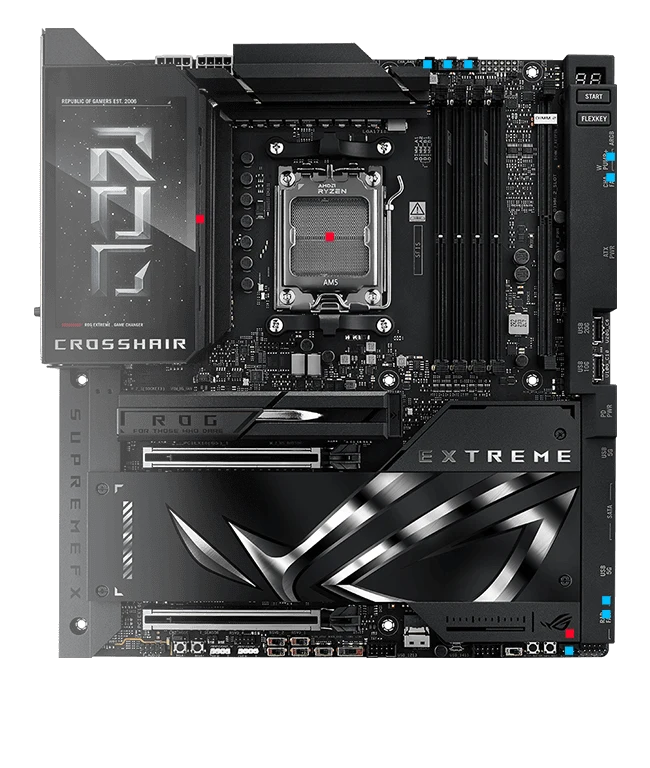
Heatsinks for power delivery and storage, a 3D vapor chamber on one M.2 slot, and AI Cooling II for fan tuning. Pair the design with a well-ventilated case and suitable CPU cooling.
Does not replace a CPU cooler. Temperatures and noise depend on the build and workload.
You enjoy a PC every day, but you also open it, tune it and expand it. ASUS Q-design makes several of those tasks easier.
ALC4082 and ESS ES9219 in the audio path. Use the front output with suitable headphones and a properly configured system.
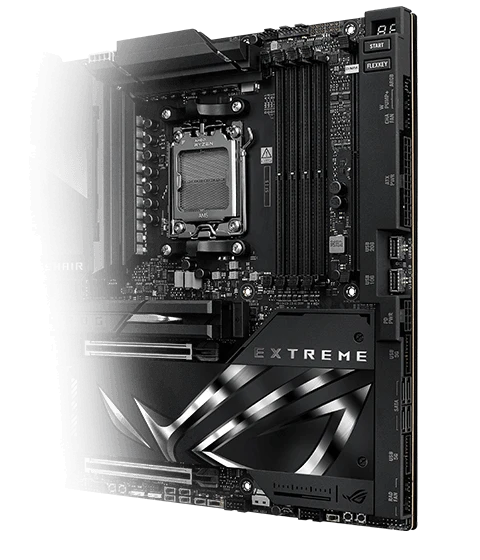
M.2 Q-Release, Q-Latch, Q-Slide and PCIe Q-Release Slim assist with installation. Follow the instructions to remove cards without forcing the connectors.
BIOS FlashBack, Q-Code, Q-LED and Q-Dashboard assist with setup and troubleshooting.
Check four basic requirements. This guide helps you plan; it does not detect your computer hardware or replace manufacturer compatibility lists.
Select your components to begin.
Numbers matter when you know the conditions behind them. Review CPU, lane, memory and operating-system limitations before choosing.
Technical reference: ASUS ROG Crosshair X870E Extreme. Consulted September 13, 2026. Capabilities depend on the processor, memory and configuration.
AM5, expansive connectivity and a display with its own identity. The rest of the build is up to you.
$4.999.000Price and availability synchronized with FASE NUEVE.
If you still have a doubt, write to us before buying.
Socket AM5, with the Ryzen models ASUS lists (7000, 8000 and 9000 series). Check the official list and the BIOS version for your exact model before buying.
Four DDR5 slots and up to 256 GB, with EXPO profiles. The speed you reach depends on the processor and on the kit you use.
It is an E-ATX board (30.5 × 27.7 cm), so your case must accept E-ATX. You can check it in the “Will it fit in your PC?” block on this page.
Five M.2 slots in total: three PCIe 5.0 on the board and two PCIe 4.0 on the Q-DIMM.2 card (some depend on the processor), plus four 6 Gb/s SATA ports.
The cost and the delivery time are calculated with your address before paying: you see both at checkout before confirming the order. The full process is explained on the Shipping page.
The applicable coverage is shown before you buy and is recorded with your order. If something fails, you open the case from the Warranty page with your order number and FASE NUEVE follows it up.
With the methods enabled at checkout: a bank transfer or Bre-B QR straight to FASE NUEVE, electronic payment through Wompi and your F9 Balance when you have one. You see the options available for your order before confirming.
